- Services

- Pricing
- Giving Back
- Articles
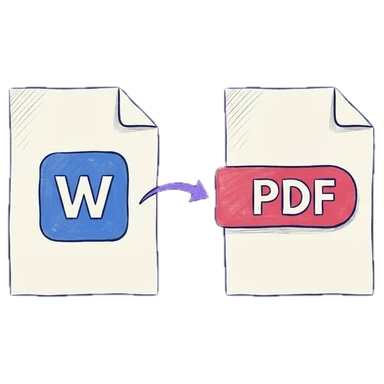
Word to PDF
Convert Word documents to PDF, keeping their layout. Free · nothing kept
Drop the Word documents to convertUpload the Word documents to convert
PDFs, photos (JPG, PNG, HEIC) and Word documents — mix them freely
Your file is processed on our server and never stored. A free account is needed.
- Free
- Never uploaded
What it does
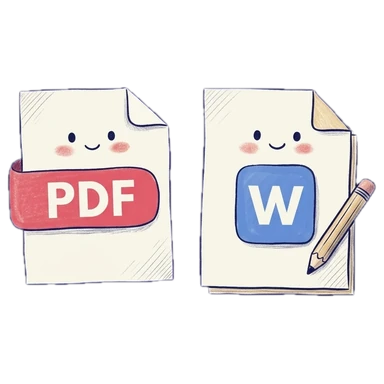
Word in, PDF out, layout kept
Courts and e-filing portals want PDFs. Drop a Word document (DOCX or DOC) and it's converted on our server, keeping its fonts, tables, headers and page breaks; then merge it with other files, number its pages or sign it before you download. RTF, ODT, PowerPoint and Excel files work too.
How it works
Convert Word to PDF in three steps
Add the documents
Drop DOCX, DOC, RTF or ODT files. You'll be asked to sign in (free).
Check and add to it
See every page. Merge, number or sign them if you need to.
Download
One PDF, ready to file or send.
Why Legalfina
Conversion you can file
Layout kept
Fonts, tables, headers, footers and page breaks come through.
Never stored
The document is converted and sent straight back; no copy is kept.
Then keep going
Merge, number, sign or compress the result, right here.
Free
A free account is all it takes.

Questions
Questions about converting Word to PDF
How do I convert a Word document to PDF?
Drop the DOCX or DOC file here, sign in (free) if asked, and click Download PDF.
Is my document stored?
No. It's sent over an encrypted connection, converted, and sent back. We keep no copy.
Why do I need to sign in?
Conversion uses our server; a free account keeps the service from being abused.
Will it look exactly like Word?
Very close: fonts, tables and page breaks are kept. A font your document uses but our server doesn't have is replaced with the closest match.
Can I convert several documents into one PDF?
Yes. Add them all and they're combined, in the order shown.
Can I add photos or other PDFs to the converted document?
Yes. Drop them in too, reorder the pages, then download one PDF.
Filing papers with a California court?
Legalfina prepares your court forms, checks them, and files them for you, with an attorney's review when you want one.
COMPANY
WHAT YOU CAN DO
RESOURCES


© 2021 - 2026 Legalfina Inc. All rights reserved.
LDA License #172 (Alameda County)
35111F Newark Blvd #314, Newark, CA