- Services

- Pricing
- Giving Back
- Articles
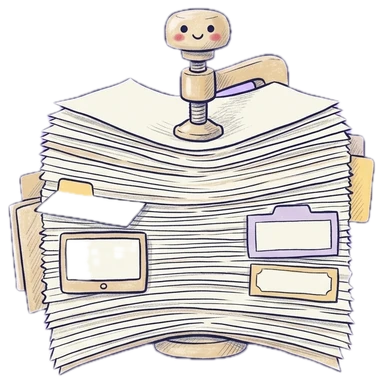
Compress PDF
Make a PDF smaller for email and e-filing limits. Free · nothing kept
Drop the PDF to compressUpload the PDF to compress
PDFs, photos (JPG, PNG, HEIC) and Word documents — mix them freely
Your file is processed on our server and never stored. A free account is needed.
- Free
- Never stored
What it does
Small enough to send and file
Scans and phone photos make huge PDFs, and email and court e-filing portals often cap file size. Compress shrinks the pictures inside your PDF while keeping text and lines sharp — often by more than half. Pick how small: print quality, recommended, or the smallest file.
How it works
Compress a PDF in three steps
Add the PDF
Big scans and photo-heavy files shrink the most.
Choose how small
Light keeps print quality; Smallest is for strict size limits.
Download
See how much smaller it got, then send or file it.
Why Legalfina
Smaller files, readable pages
Text stays sharp
Only pictures are made smaller; words and lines keep their quality.
Never bigger
If a file can't get smaller, you get it back unchanged.
Never stored
Compressed on our server and sent straight back.
Free
A free account is all it takes.


Questions
Questions about compressing PDFs
How do I reduce a PDF's file size?
Drop the PDF here, choose a level (Recommended suits most files), and click Compress and download.
Will compression make my PDF hard to read?
Text and lines stay sharp. Pictures and scans get lighter; choose Light if you'll print them.
My PDF is still too big for the court's portal. What now?
Try Smallest, or split the PDF into parts with Split PDF and file them separately if the court allows it.
Is my file stored?
No. It's compressed on our server over an encrypted connection and sent straight back.
Filing papers with a California court?
Legalfina prepares your court forms, checks them, and files them for you, with an attorney's review when you want one.
COMPANY
WHAT YOU CAN DO
RESOURCES


© 2021 - 2026 Legalfina Inc. All rights reserved.
LDA License #172 (Alameda County)
35111F Newark Blvd #314, Newark, CA