- Services

- Pricing
- Giving Back
- Articles

Merge PDF
Combine PDFs, pictures and Word files into one PDF, in the order you want. Runs in your browser
Drop the PDFs to combineUpload the PDFs to combine
PDFs, photos (JPG, PNG, HEIC) and Word documents — mix them freely
Your files stay on this device: everything happens in your browser.
- Free
- Never uploaded
What it does
Many files in, one PDF out
Add as many PDFs as you need — a declaration and its exhibits, a lease and its addendums, a month of statements — put them in order, and download one file. Pictures and Word documents can go in too: they become pages of the same PDF. Links, text and form fields in your PDFs are kept.
How it works
Merge PDFs in three steps
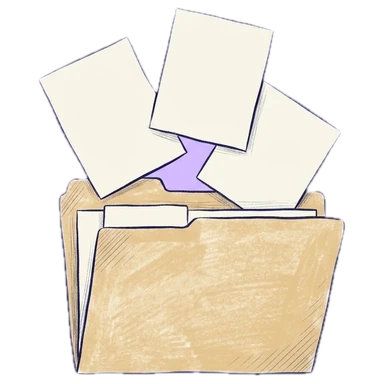
Add your files
Drop PDFs, photos or Word documents, or choose them from your computer or phone.

Put them in order
Move whole files up or down, or drag single pages anywhere. Turn or remove pages as you go.
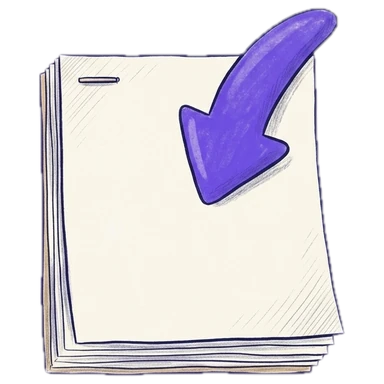
Download one PDF
Click Merge and download. It takes seconds, even for hundreds of pages.
Why Legalfina
Better than a desktop app for a quick merge
Never uploaded
Your files are read and written inside your browser. They never reach our server or anyone else's.
Real pages, not pictures
Pages are copied as they are, so text stays searchable and links still work.
Free, no watermark
No sign-up, no trial, no stamp across your pages.
Ready for court
Merge a filing with its exhibits, then add page or Bates numbers before you download.


Questions
Questions about merging PDFs
How do I merge PDF files for free?
Drop your PDFs on this page, put them in order, and click Merge and download. It's free, there's no watermark, and you don't need an account.
Are my files uploaded?
No. Merging happens in your browser: your files never leave your device.
Can I change the order of pages, not just files?
Yes. Drag any page to a new spot, turn it, copy it or remove it. Merge's file list moves a whole file at once.
Can I merge pictures and Word documents with PDFs?
Yes. Photos become pages (Letter size by default), and Word documents are converted to PDF first (that step uses our server and needs a free account).
Is there a limit on files or pages?
No set limit. Very large files depend on your device's memory; hundreds of pages work on an ordinary computer.
Will text and links still work after merging?
Yes. Pages are copied as they are, not turned into pictures, so text stays searchable and links still work.
Filing papers with a California court?
Legalfina prepares your court forms, checks them, and files them for you, with an attorney's review when you want one.
COMPANY
WHAT YOU CAN DO
RESOURCES


© 2021 - 2026 Legalfina Inc. All rights reserved.
LDA License #172 (Alameda County)
35111F Newark Blvd #314, Newark, CA