- Services

- Pricing
- Giving Back
- Articles
Bates Numbering
Stamp every page with a Bates number for discovery: prefix, start, digits and suffix. Runs in your browser
Drop the documents to Bates-numberUpload the documents to Bates-number
PDFs, photos (JPG, PNG, HEIC) and Word documents — mix them freely
Your files stay on this device: everything happens in your browser.
- Free
- Never uploaded
What it does
Every page of a production, numbered once
Bates numbering gives every page produced in a case its own label, like SMITH000123, so everyone can point to the same page. Add a prefix, start where your last production ended, choose the digits, and stamp every page — merge several files first and the numbers run straight across them.
How it works
Bates-number a production in three steps

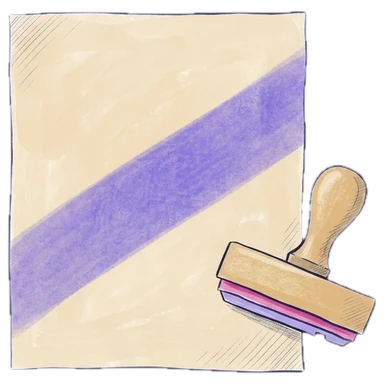
Add the documents
Drop one PDF or many; their pages run in the order shown.
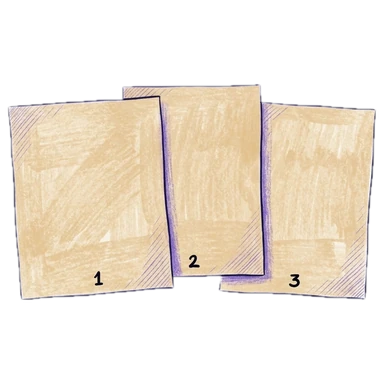
Set the label
Prefix, starting number, digits and suffix; the panel shows the first and last label.
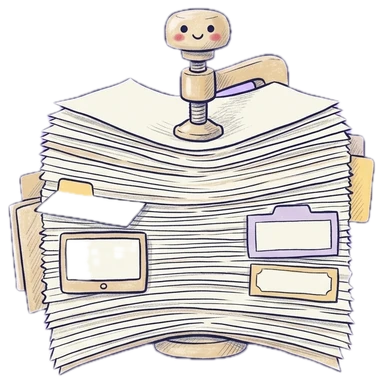
Download
Every page carries its Bates number, ready to produce.
Why Legalfina
Bates numbering without the expensive software
Continue a production
Start at the next number after your last one.
See the whole range
First and last label before you download, so nothing overlaps.
Never uploaded
Your files are read and written inside your browser. They never reach our server or anyone else's.
Free for everyone
Self-represented parties and small firms deserve the same tools as big ones.

Questions
Questions about Bates numbering
What is Bates numbering?
A unique label stamped on every page produced in a lawsuit — usually a prefix and a number, like SMITH000123 — so every page can be found and cited.
How do I Bates-number several PDFs at once?
Drop all of them here, put them in order, set the prefix and starting number, and download one numbered PDF. Need separate files back? Use Split PDF afterward: the numbers stay.
How do I continue numbering from an earlier production?
Set Start at to the number after the last page you produced (for example, 251 after SMITH000250).
Where does the Bates number go?
Usually the bottom right corner; you can choose any of six positions.
Are my documents uploaded?
No. Bates numbers are stamped in your browser; nothing leaves your device.
Filing papers with a California court?
Legalfina prepares your court forms, checks them, and files them for you, with an attorney's review when you want one.
COMPANY
WHAT YOU CAN DO
RESOURCES


© 2021 - 2026 Legalfina Inc. All rights reserved.
LDA License #172 (Alameda County)
35111F Newark Blvd #314, Newark, CA