- Services

- Pricing
- Giving Back
- Articles
Sentence Counter
Count sentences and see how long they run on average, to keep your writing clear. In your browser
- Free
- Never uploaded
What it does
Short sentences are easier to follow
Judges, clients and readers of every kind follow short sentences more easily. Paste your text to count its sentences and see how many words each one has on average. Abbreviations like Mr., Dr., Jan. and Cal. and initials like “J. Smith” aren't mistaken for the end of a sentence, and neither are decimals like 3.5.
How it works
Count sentences in three steps
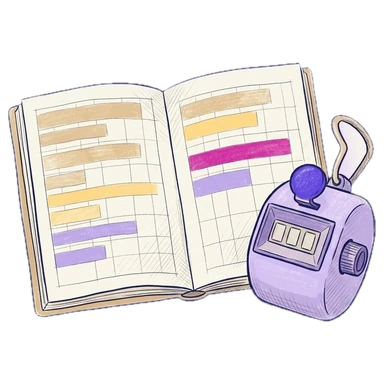
Paste your text
Click the text box and paste, or type. The sample is selected so pasting replaces it.
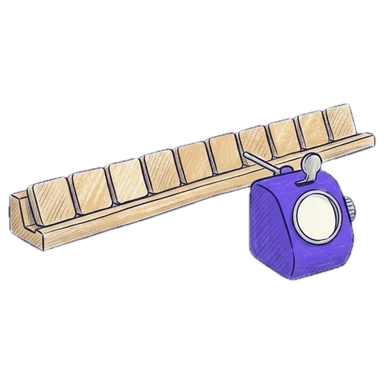
Read the count
Sentences lead, with the average words a sentence under More details.
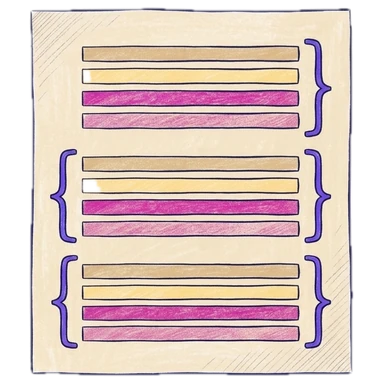
Tighten it up
Split long sentences in the editor and watch the average drop.
Why Legalfina
One free editor for every text job
Never uploaded
Your text stays in your browser. It isn't sent to our server or anyone else's, and it isn't saved.
Instant, and undoable
Every count updates as you type, and every change can be undone with Ctrl+Z (⌘+Z on a Mac).
Free, no sign-up
No account, no limits, no ads in your way.
Every tool on the same text
Clean it up, change its case, sort it and count it without copying it from page to page.
Questions
Questions about counting sentences
What counts as a sentence?
Text that ends with a period, question mark, exclamation point or ellipsis followed by a space or the end of the text. A last sentence without a period still counts.
Do abbreviations end a sentence?
No. Common abbreviations (Mr., Mrs., Dr., Jan., No., Inc., e.g., Cal., Civ., Fam.) and single initials don't end a sentence, and neither does a decimal point.
What's a good average sentence length?
For clear writing, 15 to 20 words a sentence is a common goal. Plain-language guides for legal writing suggest about 20 words or fewer.
Can I count the sentences in one paragraph?
Yes. Select the paragraph and the counts show for just that part.
Is my text uploaded or saved?
No. Everything happens in your browser. Your text is never sent to Legalfina or anyone else, and it's gone when you close the page.
Filing papers with a California court?
Legalfina prepares your court forms, checks them, and files them for you, with an attorney's review when you want one.
COMPANY
WHAT YOU CAN DO
RESOURCES


© 2021 - 2026 Legalfina Inc. All rights reserved.
LDA License #172 (Alameda County)
35111F Newark Blvd #314, Newark, CA